
GitHub
What I'm building
Small improvements, week by week.
Build a personal page for your projects, links, and whatever you’re into. Arrange it your way, then share it with one link.
Two ways to arrange the same blocks.
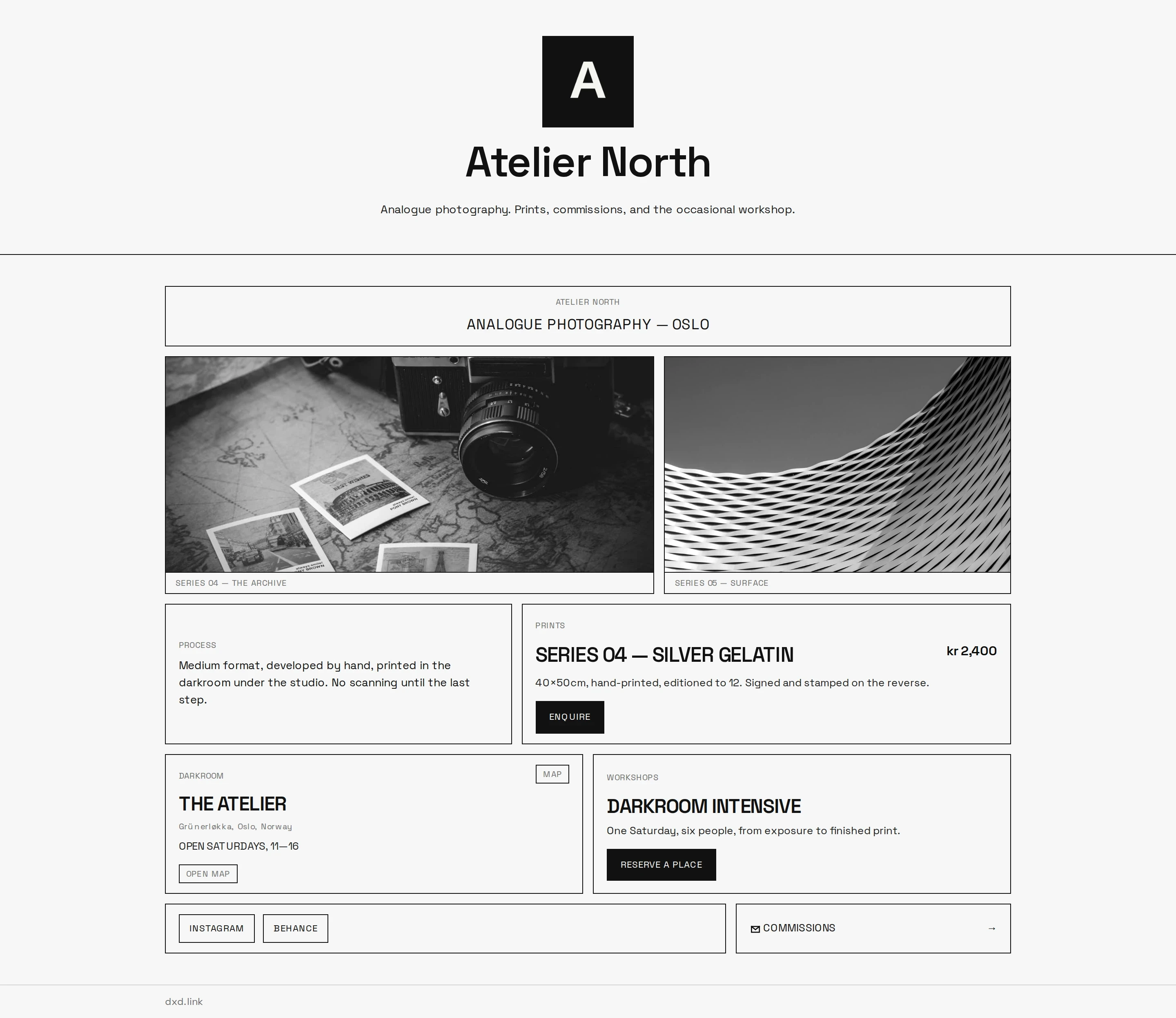
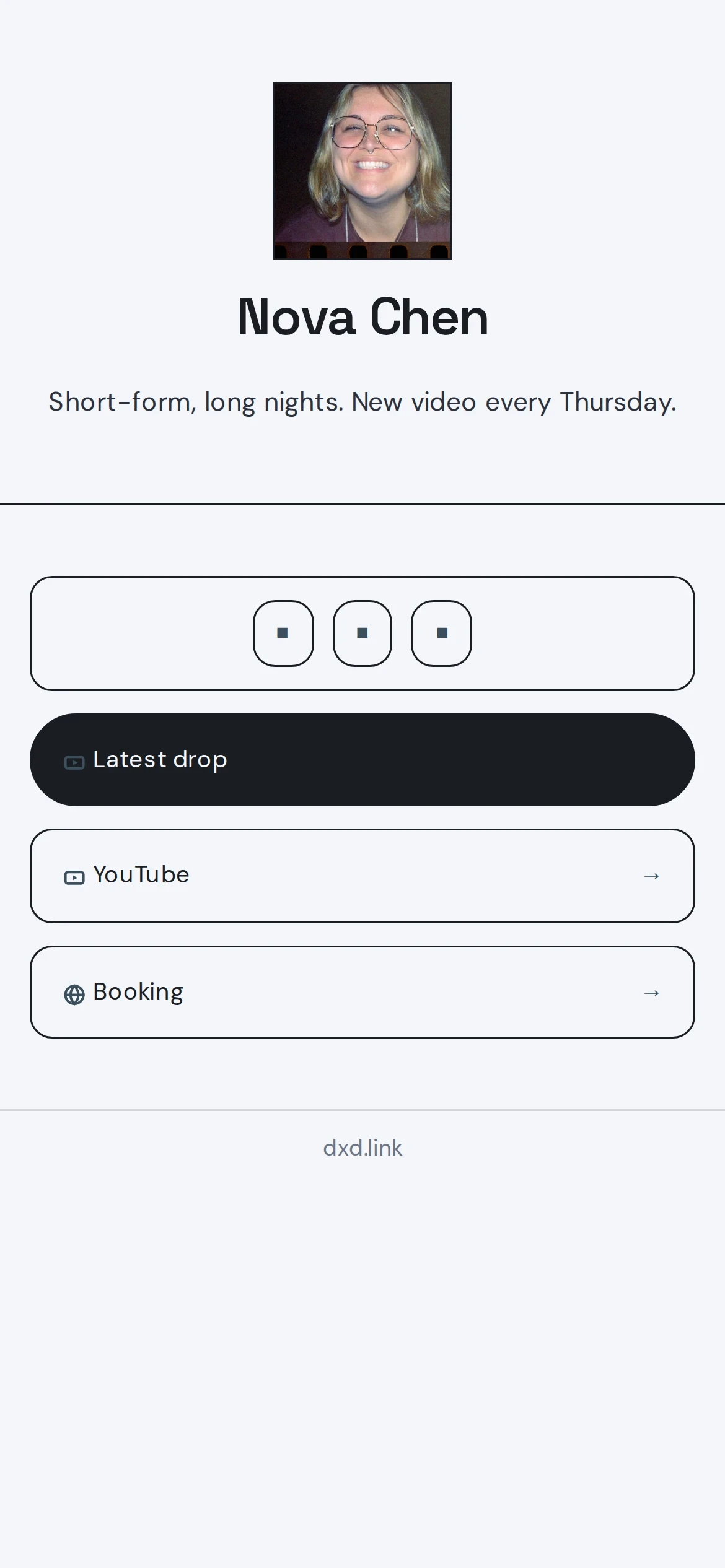
Make it yours
A project, a playlist, a small business. Explore a page, then try a different skin. Your blocks stay in place.
Try a different skin
Same person. Same blocks. A different feel.
All skins are free. Your page starts with your own content.
Fictional demo profile
Mara Sol · Apricot

Hand-thrown tableware and small-batch objects from a sunny Oakland studio.
The September shelf is live: low bowls, loose cups, and a few one-off vases.
Scroll to explore the page. Demo links stay in this preview.
How it works
Start with a link. Make room for the rest.
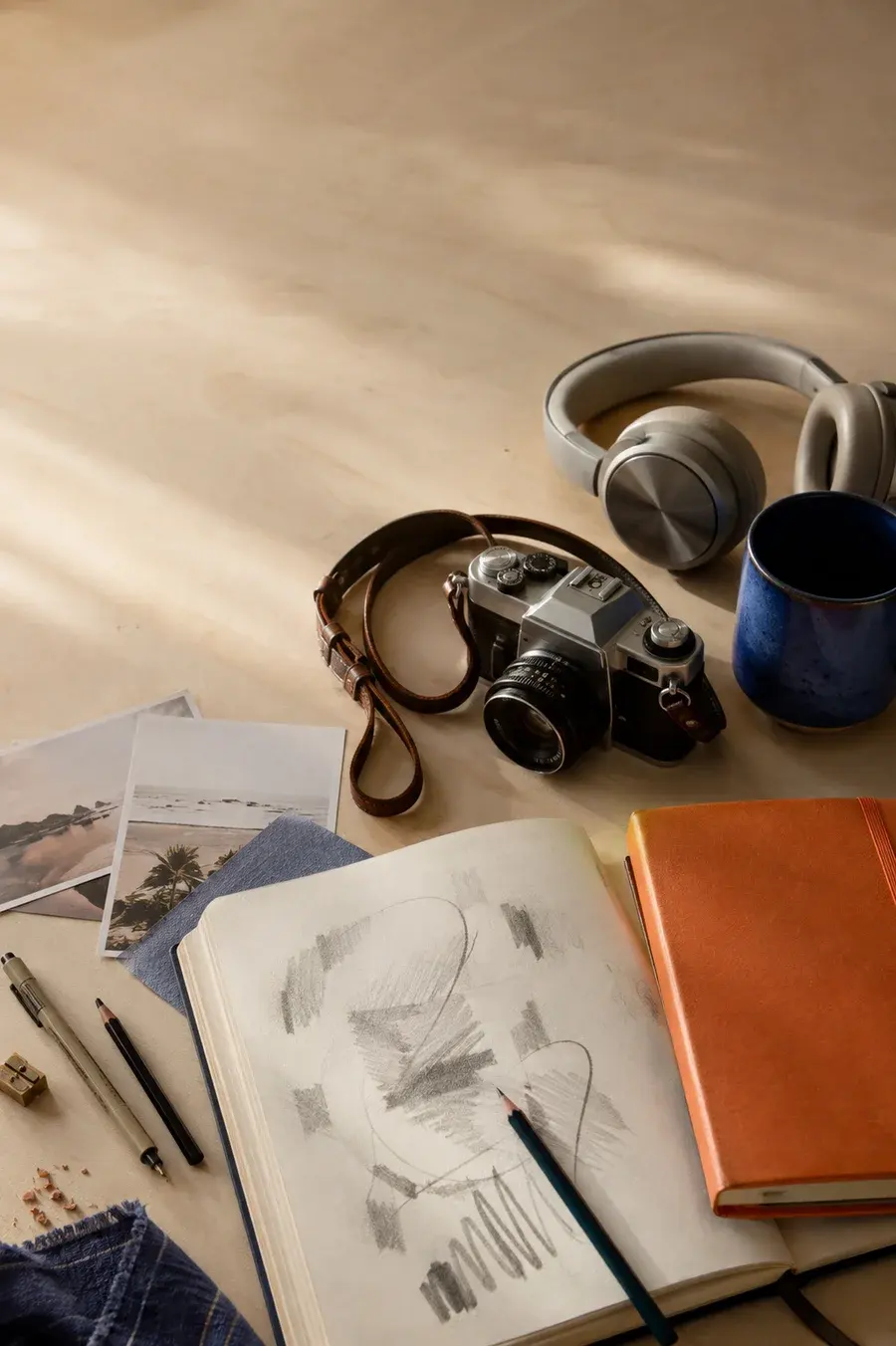
A few things I’m into.
Something
I built.
Choose your name and add your first link.
Move and resize blocks. Use Cmd-K to add another.
Your edits stay in draft until you publish.
Live blocks
Bring GitHub activity, calendar events, and new posts into your page.
GitHub
Small improvements, week by week.
Calendar
Saturday · 11 am
Saturday · 2 pm
RSS feed
A smaller internet,
one page at a time
Notes from a week offline ↗
Illustrative content · Add links, photos, music, and more alongside live blocks
Analytics
Views and clicks are included on Free. Creator adds traffic sources and deeper insights.
Publish a page for free. Upgrade when you want your own domain, scheduling, and full analytics.
A personal page that stays free.
Create your free pageMore control over your page. Billed monthly.
Choose CreatorCreator, billed yearly, plus early perks.
Choose FoundingYes. Changes stay in draft until you publish. Visitors keep seeing the last version you published.
Creator and Founding include a branded you.dxd.link subdomain for your handle. You can also connect a custom domain you own in Settings.
Yes. Export your page as JSON on any plan, then import it back into the editor.
Your paid features stay available until the end of your billing period. After that, your plan switches to Free.
Your first link is enough to start.