
Easier first pages
New pages begin with a starting shape you can make your own, from a links hub to a portfolio.
The problem we were fixing
Claiming a handle used to drop you on a mostly empty grid with a couple of placeholder blocks. If you already knew the editor, fine. If you just wanted a link page that looked finished, it was a lot of guessing.
Pick a starting layout
Claim your handle on a computer and you pick one of four layouts. Links gives you the classic hub: social icons and a stack of full-width buttons. Social leads with a photo. Portfolio makes room for work samples. Blank stays empty if you would rather build it yourself. Every option drops real blocks you can edit, move, or delete, and you can skip the step entirely. On a phone, the step-by-step setup still walks you through the same thing.
The centered look, without retyping anything
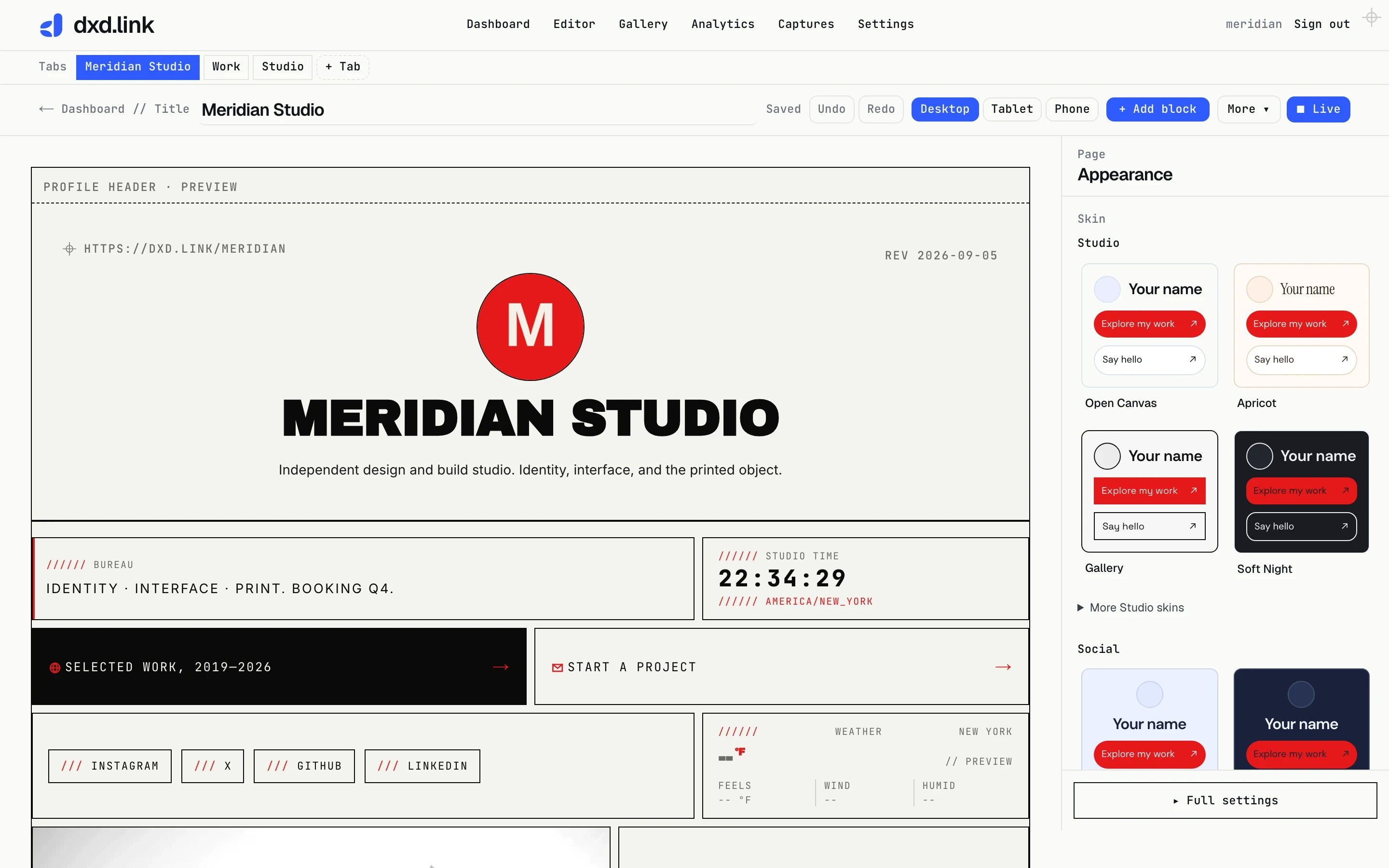
Plenty of people want the familiar centered photo, name, and bio at the top of the page. Open Appearance, then Header, and choose Centered. Your photo, name, and bio still come from Settings, so nothing gets duplicated and nothing needs retyping. The left-aligned header stays the default, so existing pages do not move. Pair Centered with the Links layout and you get the link-in-bio silhouette most visitors expect.
Templates are back
You will find them in the menu again. Start from Classic links, Social hub, Portfolio, a creator bio, and a few others. When your page is still mostly empty, installing a template replaces what is there instead of stacking underneath it, which is what you almost always want. Photo slots arrive empty so you can drop in your own images.
Easier to make it look right
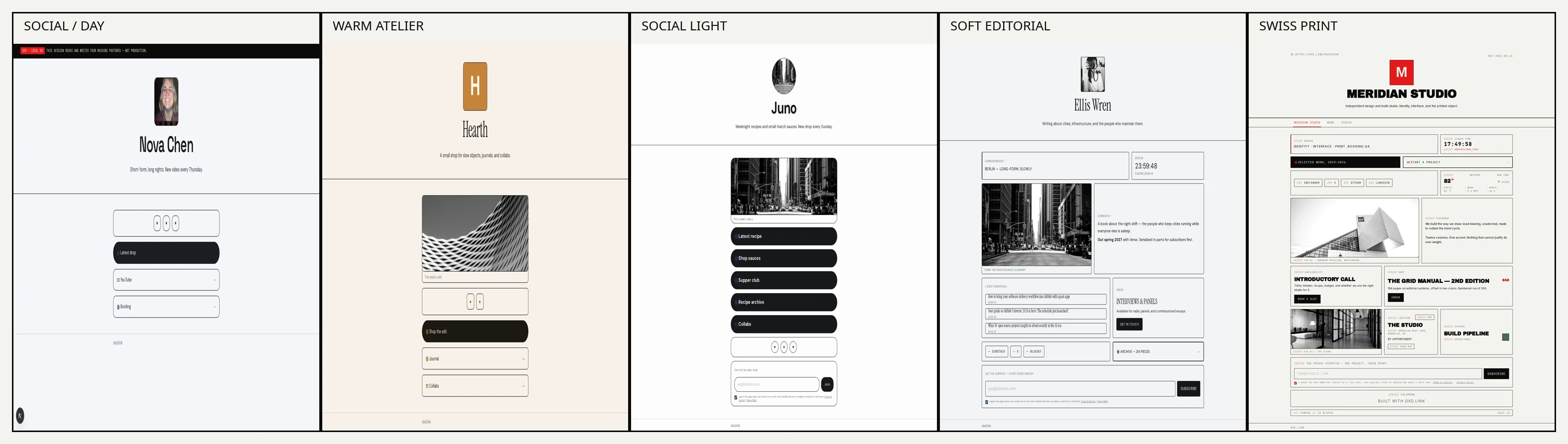
Free skins now include warmer, cleaner options next to Swiss Print and Mono Terminal. On Creator, Brand kit holds your logo, palette, and notes, and Suggest Look maps that palette onto a skin for you. Founding adds AI Look beta, a short chat that proposes a skin, accent, and typeface.
Product cards show more than one photo
A product card can carry a main image plus a set of extra shots visitors can swipe through. Handy for drops, prints, and anything that needs more than a single angle.
Smaller things you might notice
Tablet pages now stack full width instead of squeezing a desktop layout into a narrow screen. Settings is easier to scan. On Creator and Founding, your handle also works as its own address at you.dxd.link, alongside the shorter dxd.link/you link.
About the apps
The iOS and Android apps are in review with Apple and Google. We will tell you the moment you can download them.
Where to start
New here? Claim a handle, pick Links or Portfolio, add your photo and bio in Settings, switch Header to Centered if you like that look, then publish. Already have a page? Open Appearance to try the header layouts, or install a template and let it replace a draft you never finished. Anything confusing, tell us at Support.