
A portfolio and bio page for freelancers
One handle for Work, Personal, or Projects tabs. Keep client proof and personal links separate, share one URL, and publish when the draft is ready.
Two jobs, one bio link
Freelancers and multi-hyphenates often need one URL that does two jobs. Clients want selected work, a booking or contact path, and proof. Friends and followers want personal links, writing, or side projects. A single button stack makes both audiences scroll the same list. dxd.link is a personal page you arrange with blocks, then share as one handle. Free publishes at dxd.link/yourname with the full first-party block set and curated skins. No card required to start.
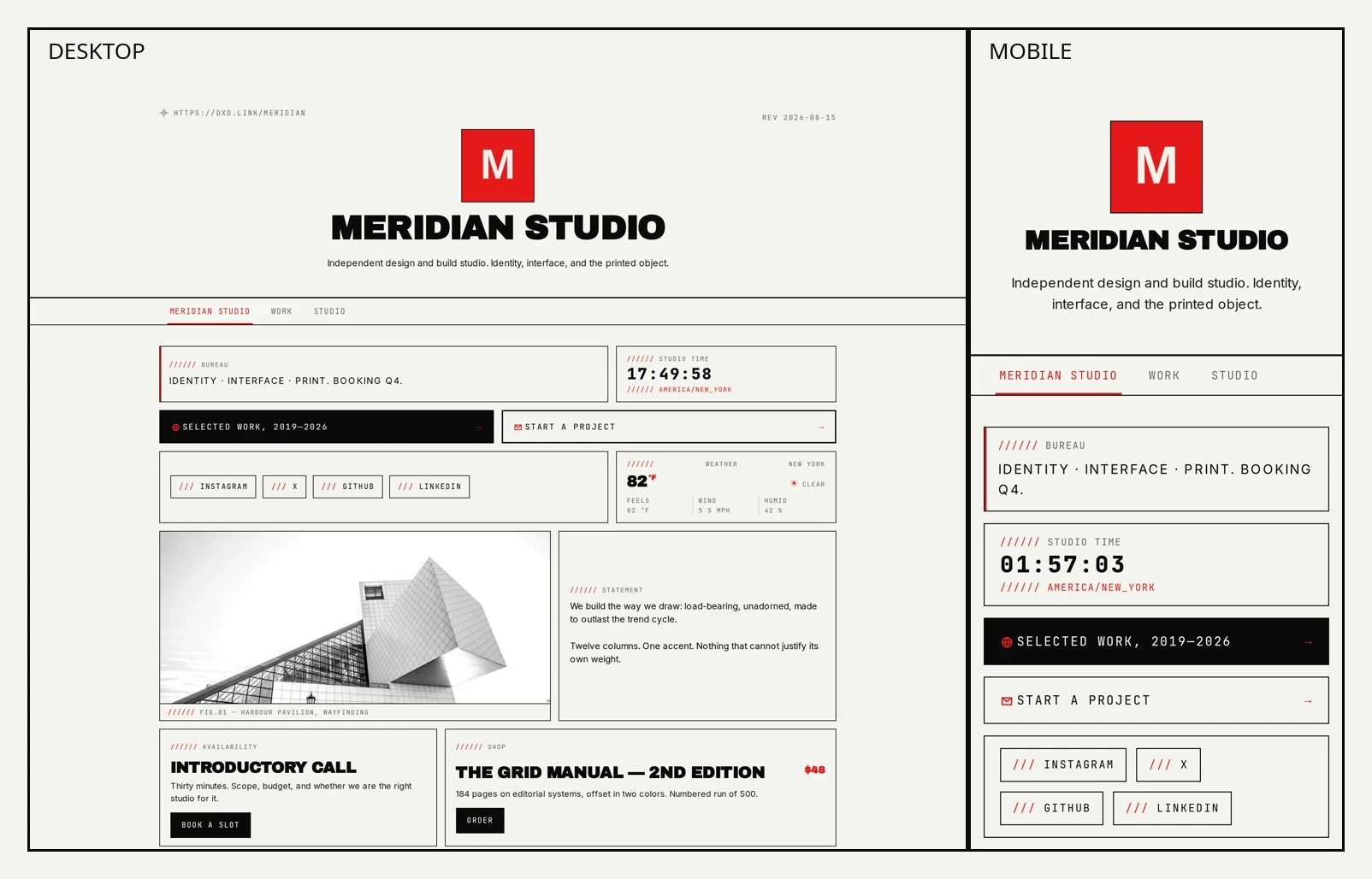
Work, Personal, or Projects under one handle
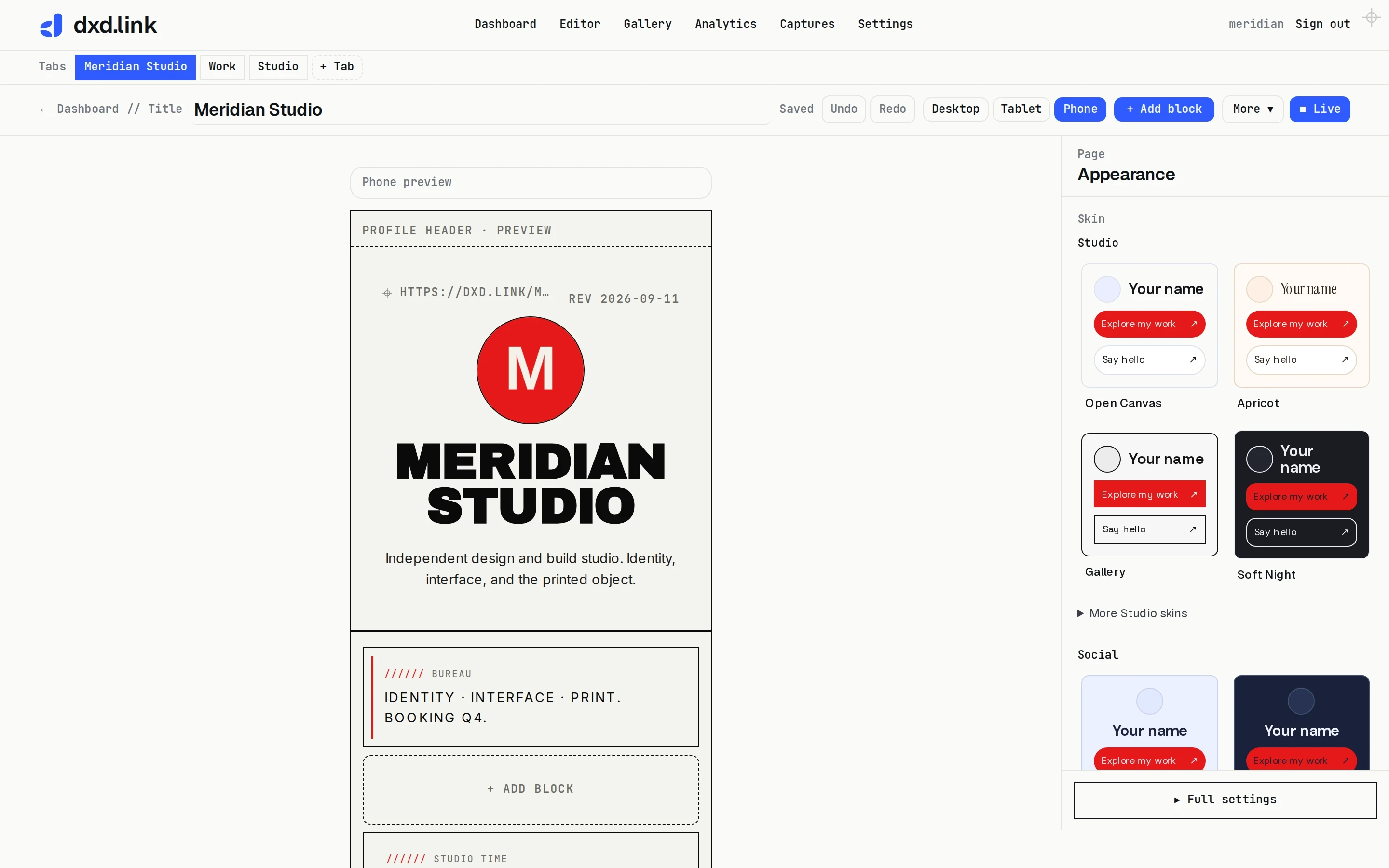
Free includes one primary tab, which is enough for a simple portfolio hub. Creator unlocks extra tabs under the same handle, so you can keep Work for clients, Personal for the rest of life, or Portfolio for selected projects. Add a tab with the Work, Portfolio, Personal, Press, or Links template in the editor. Turn on public page tabs so visitors can move between them. Secondary tabs live at paths like dxd.link/you/work. Share the tab that matches the moment: a job application gets Work; a personal newsletter signup can live on Personal. Full URL and template walkthrough: multi-page link-in-bio.
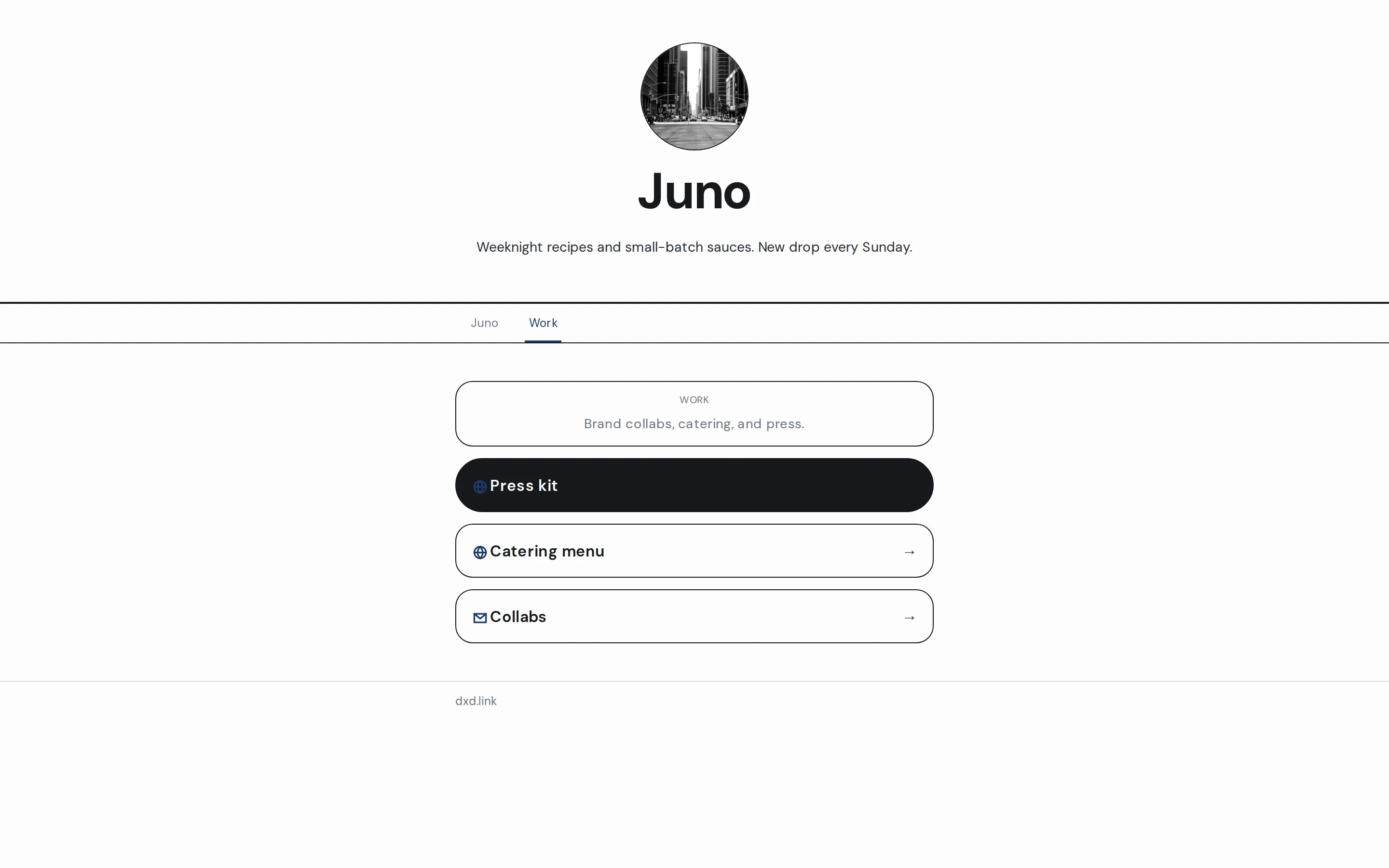
What belongs on each tab
Eighteen block types are available on every plan for ordinary creators. On a Work or Portfolio tab, the useful core is TEXT for a short pitch, IMAGE for selected work, LINK or BOOKING for contact and calendar, PRODUCT cards that point at an existing shop or case study URL, and GITHUB when open source is part of the proof. Keep the main or Personal tab for SOCIAL rows, writing, and the links friends need. Arrange blocks on a grid instead of stacking every context into one list. dxd.link is a personal page and microsite suite, not a team workspace or full portfolio CMS. Keep deep case studies on the site you already have, and use this page as the short front door.
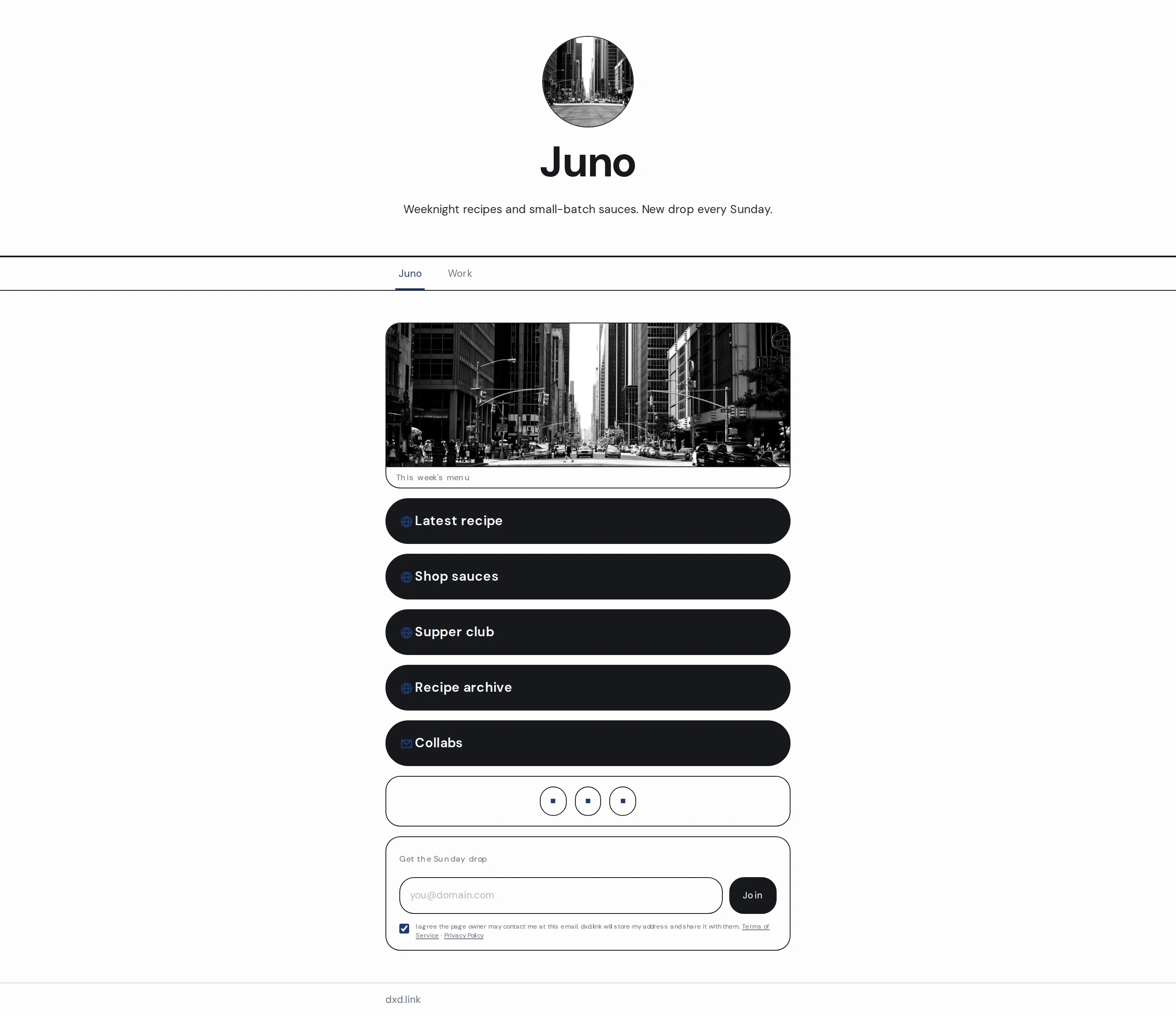
A look clients and friends both trust
Free includes every curated skin. Start in the Social or Studio families when you want a page that feels like a person, not a poster: Social Light, Social Dark, Social / Day, Social / Night, Warm Atelier, Daylight, Apricot, and Clean Canvas sit in that approachable range. Swiss Print, Night Press, and Mono Terminal stay available when you want a sharper editorial frame for design or developer audiences. Change the skin in Appearance; your blocks stay put. Preset accents are free; a custom accent color and Brand Kit are on Creator.
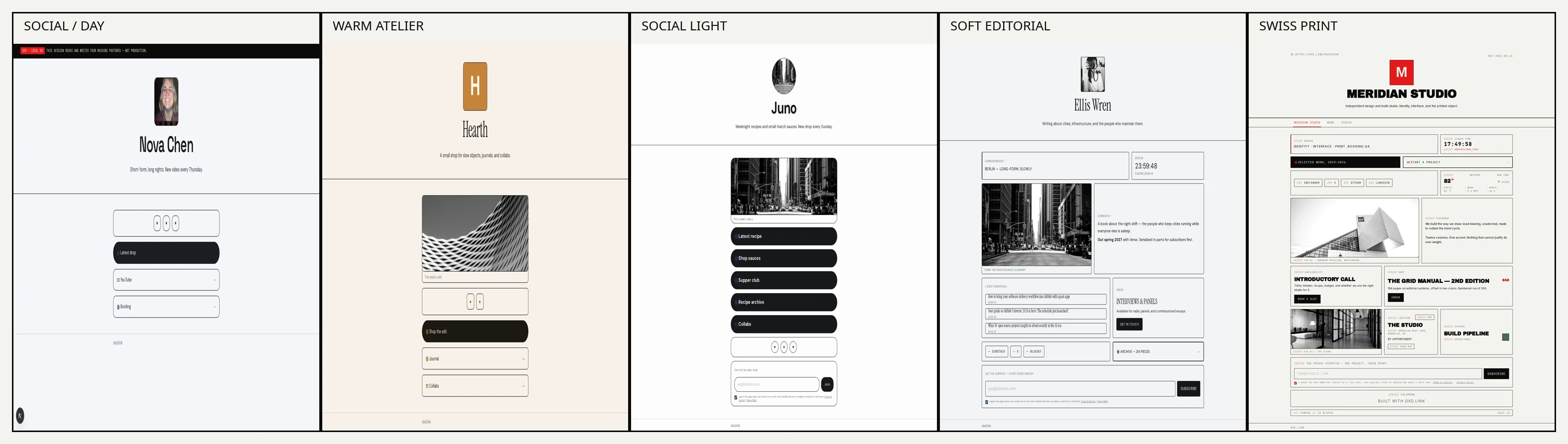
Edit in draft, share what’s live
Public visitors only see what you publish. Keep rearranging project samples, rewriting the pitch, and swapping contact CTAs in draft. Preview the phone breakpoint before you go live. When a tab is ready, publish and copy that live URL into your bio, email signature, or application. Each tab has its own draft and live snapshot. Named layouts on paid plans can stash a seasonal variant without throwing away the live page.
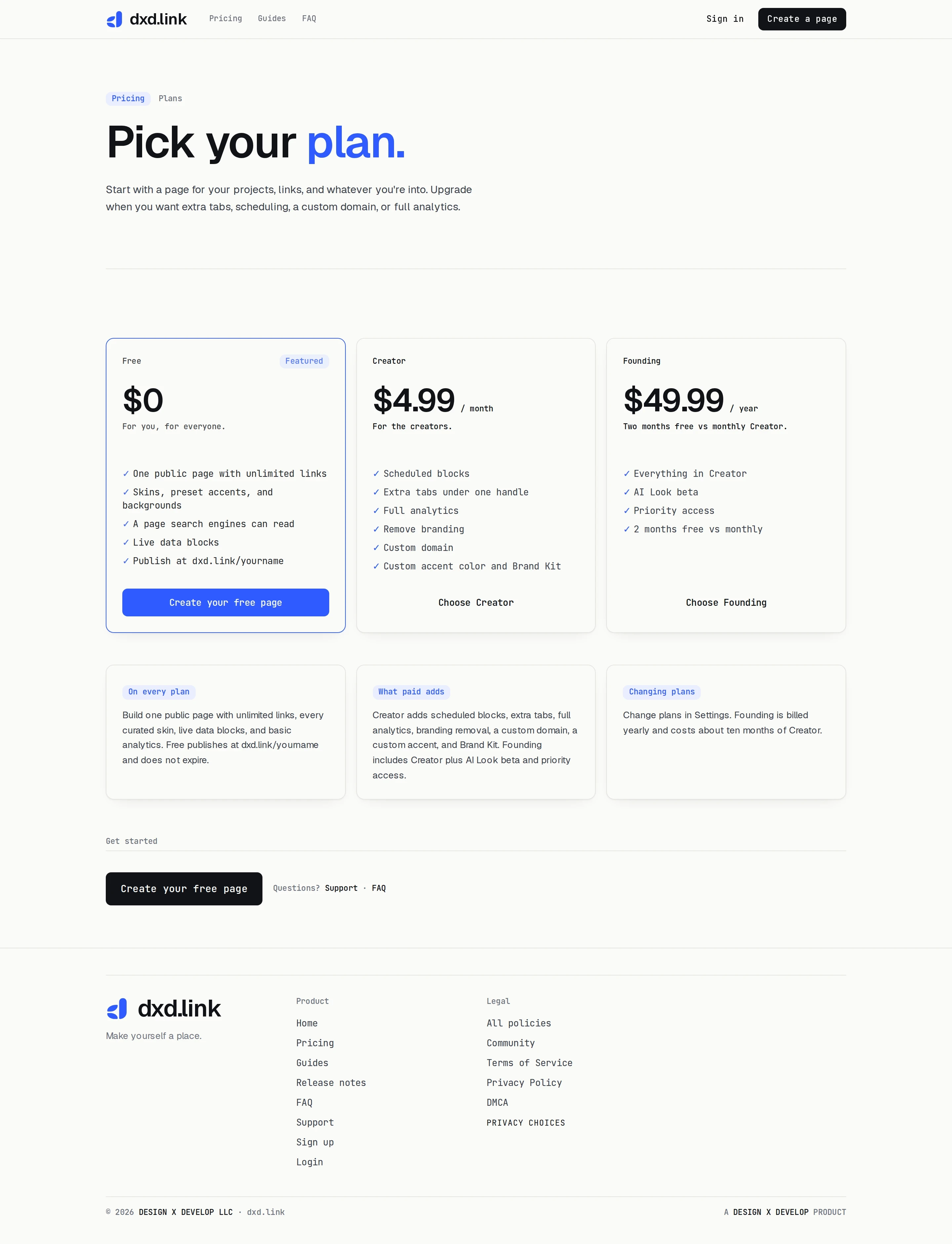
Free page, Creator when you need tabs
Free publishes one page at dxd.link/yourname with all 18 ordinary block types, curated skins, and basic views and clicks. Creator is $4.99/month for extra tabs under one handle, scheduled blocks, full analytics, branding removal, a branded you.dxd.link subdomain, a custom domain, a custom accent, and Brand Kit. Founding is $49.99/year and includes Creator plus AI Look beta and priority access. For the full tab URL and template walkthrough, read the multi-page guide. Plan details live on pricing.
Start free
Claim a handle, pick a starting shape such as Portfolio or Links, replace a couple of starter fields, preview on phone, and publish. Free keeps the page live and does not expire. Upgrade to Creator when Work and Personal need their own tabs, or when you want a custom domain and fuller analytics. Until then, one clear page in your bio is enough. Wider product tour: what’s live in dxd.link.