Multi-page link-in-bio: one username, many sites
How tabs give projects, personal links, and updates their own room under one handle.
One handle, many pages
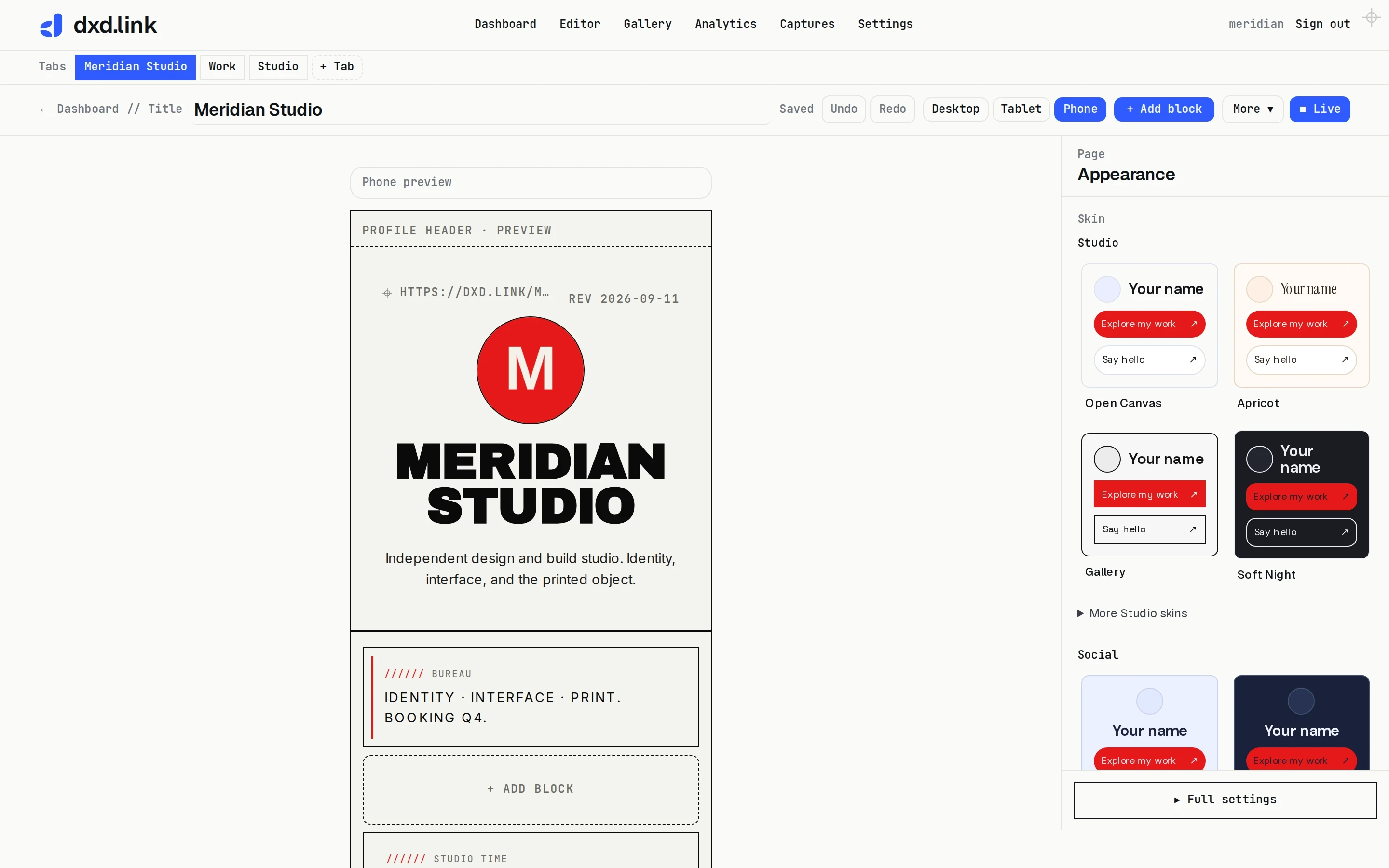
Keep the main tab as your social bio landing page. Add Work, Portfolio, Personal, or Press with one-click templates in the editor. Turn on public page tabs so visitors can move between them without hunting URLs. Extra tabs are a Creator and Founding unlock; see Pricing.
Scoped URLs
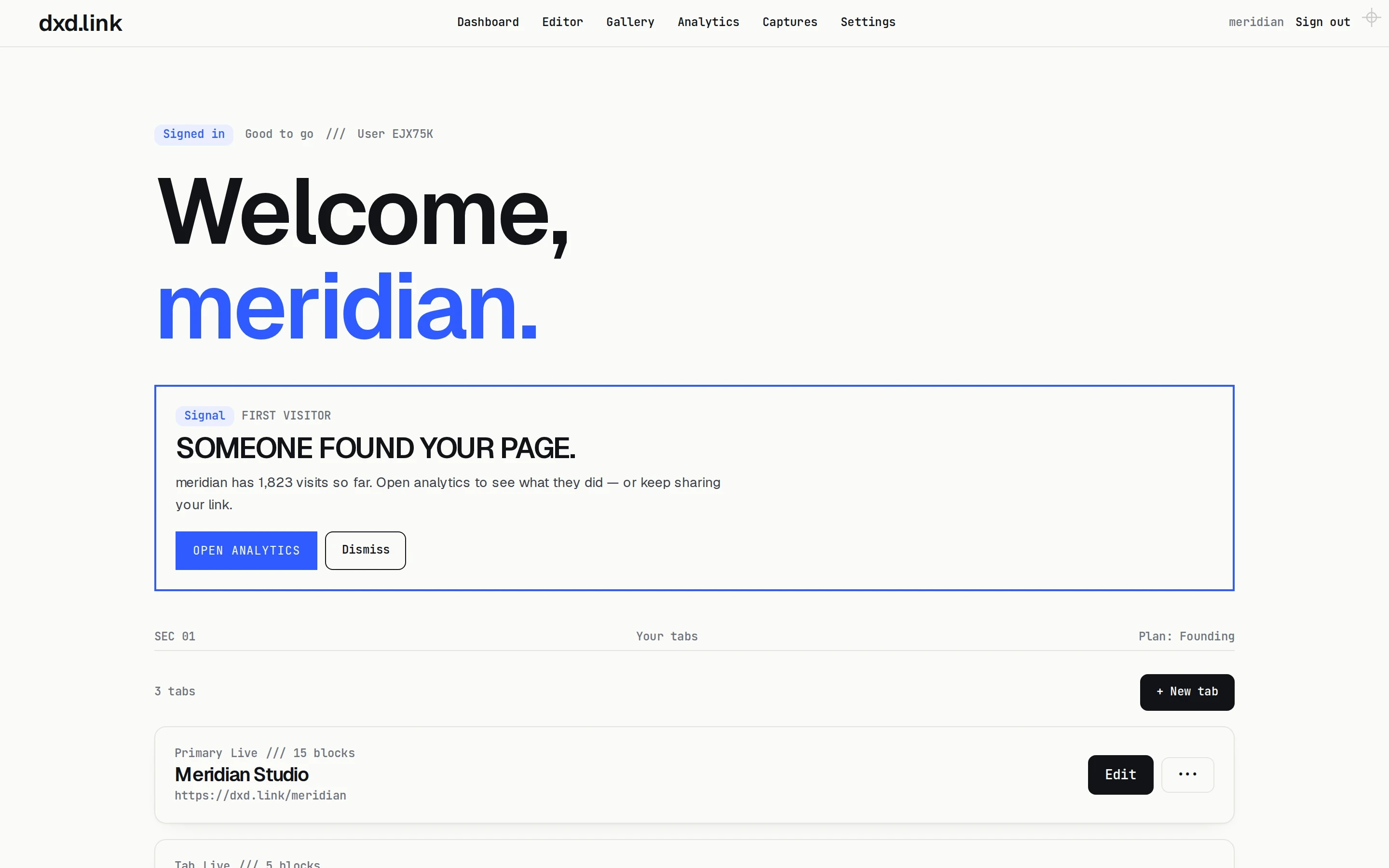
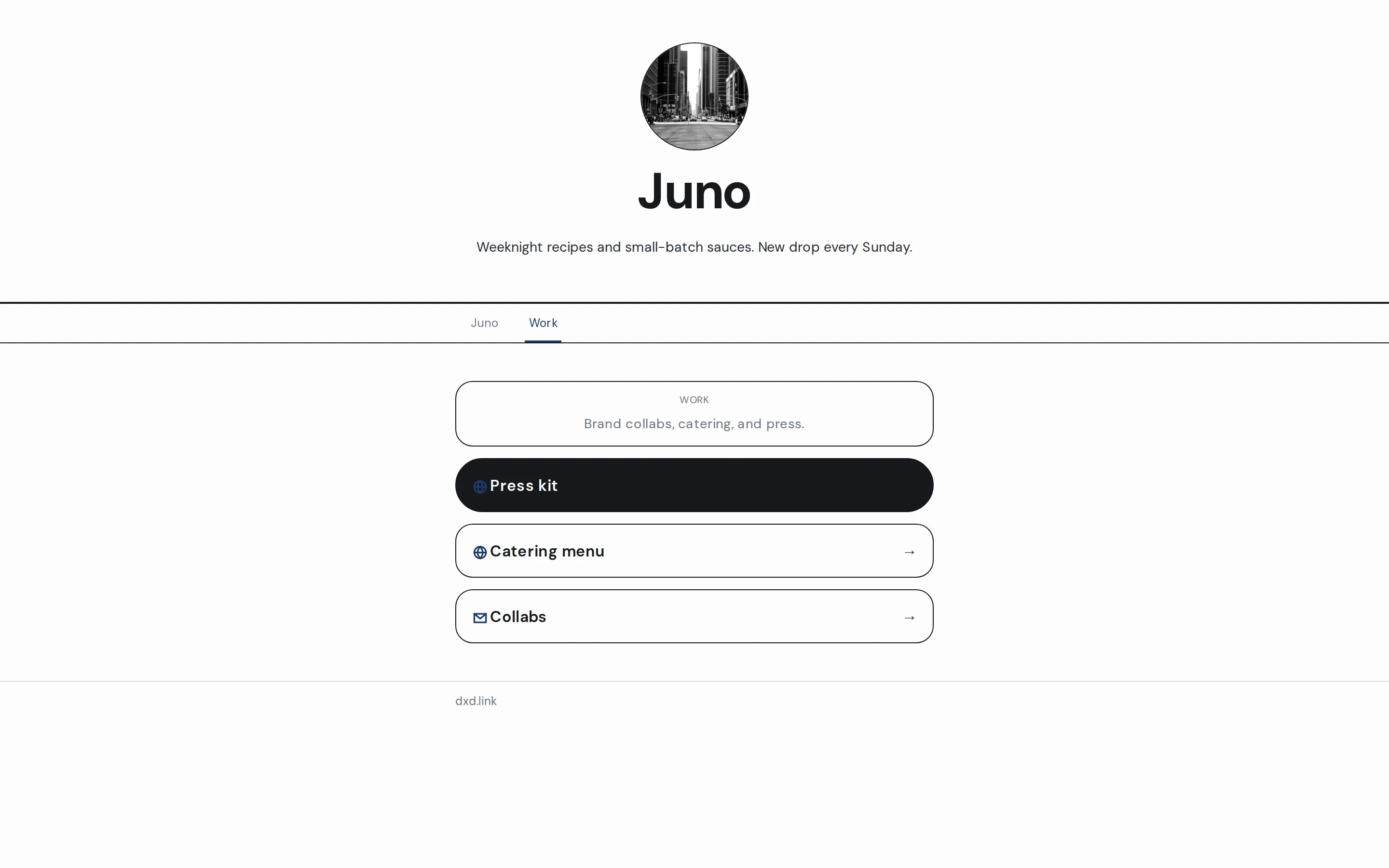
Secondary tabs live at dxd.link/you/work style paths. Share a specific tab when the context matches — a job application gets Work; a drop gets Links. Pair a Links tab with scheduled drop windows when the CTA should appear only during the onsale. Adult outbound links belong on a gated tab — see the adult-creator guide.
| Single-page bio | dxd.link tabs | |
|---|---|---|
| URLs | One scroll | Main + /work, /links, … |
| Context sharing | Same page for everything | Tab matches the link you send |
| SEO per context | One title/description | Per-tab SEO in Settings → SEO & tracking |
| Draft workflow | Edit live or not | Draft → publish per tab |
| Best for | Simple link lists | Creators with multiple hats |
Draft before you go live
Each page has draft vs live snapshots. Edit freely, then publish when ready. Named layouts let you stash seasonal variants without losing the live page. Coming from a button stack? Start with the Linktree alternative or Beacons alternative guide, then rebuild the tabs you actually need. Wider capability tour: what’s live in dxd.link.