Schedule links for drops without babysitting your bio
Creator scheduling shows or hides blocks on a clock for merch drops, ticket onsales, and limited campaigns.
How it works
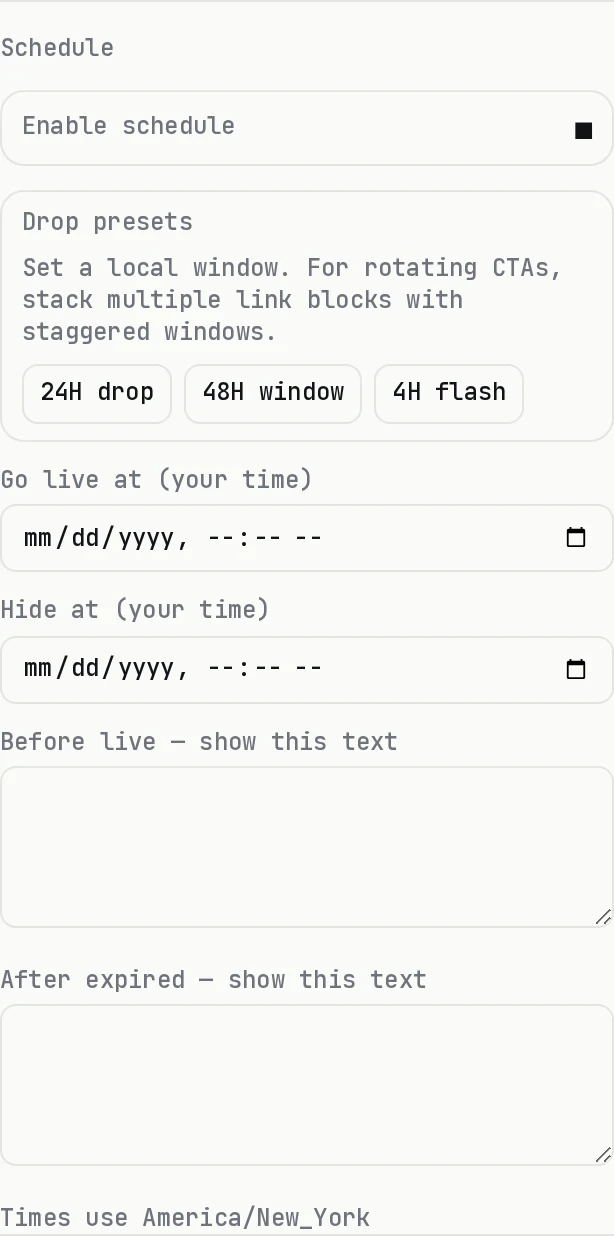
On Creator or Founding, open a block in the editor and set a schedule with your page timezone. The public page only shows the block while the window is active. Plan details are on Pricing.
| Manual bio edits | dxd.link scheduling | |
|---|---|---|
| Drop timing | Stay up late to swap links | Set go-live + expiry once |
| Timezone | Your local clock | Page timezone in Settings |
| Granularity | Whole page or link tool | Per-block on the canvas |
| Presets | N/A | 4h / 24h / 48h drop windows |
| Plan | N/A | Creator / Founding |
Before go-live
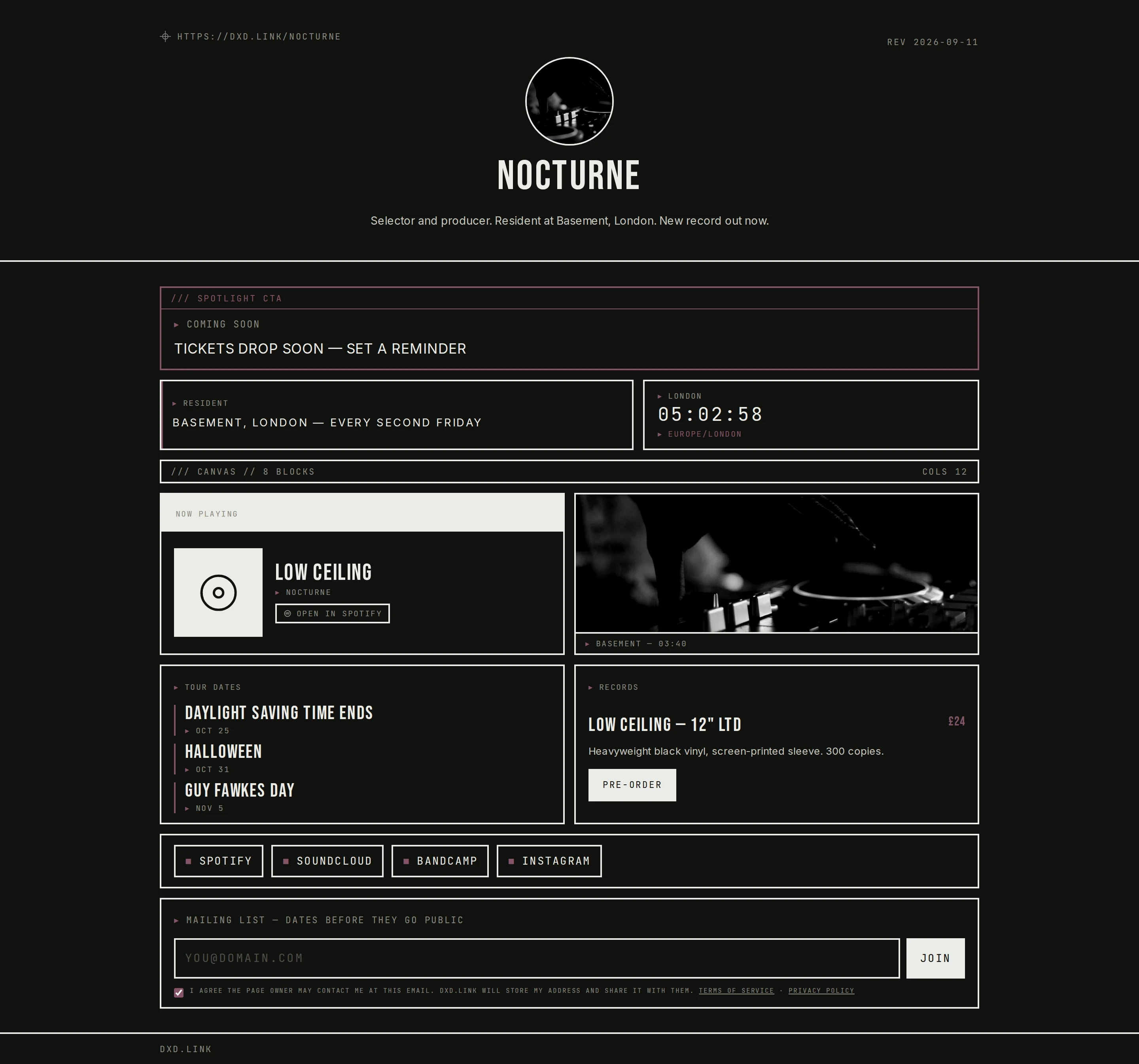
Until the window opens, the public page shows your before copy instead of the live CTA. Set a reminder tone so visitors know when to come back.
While the window is open
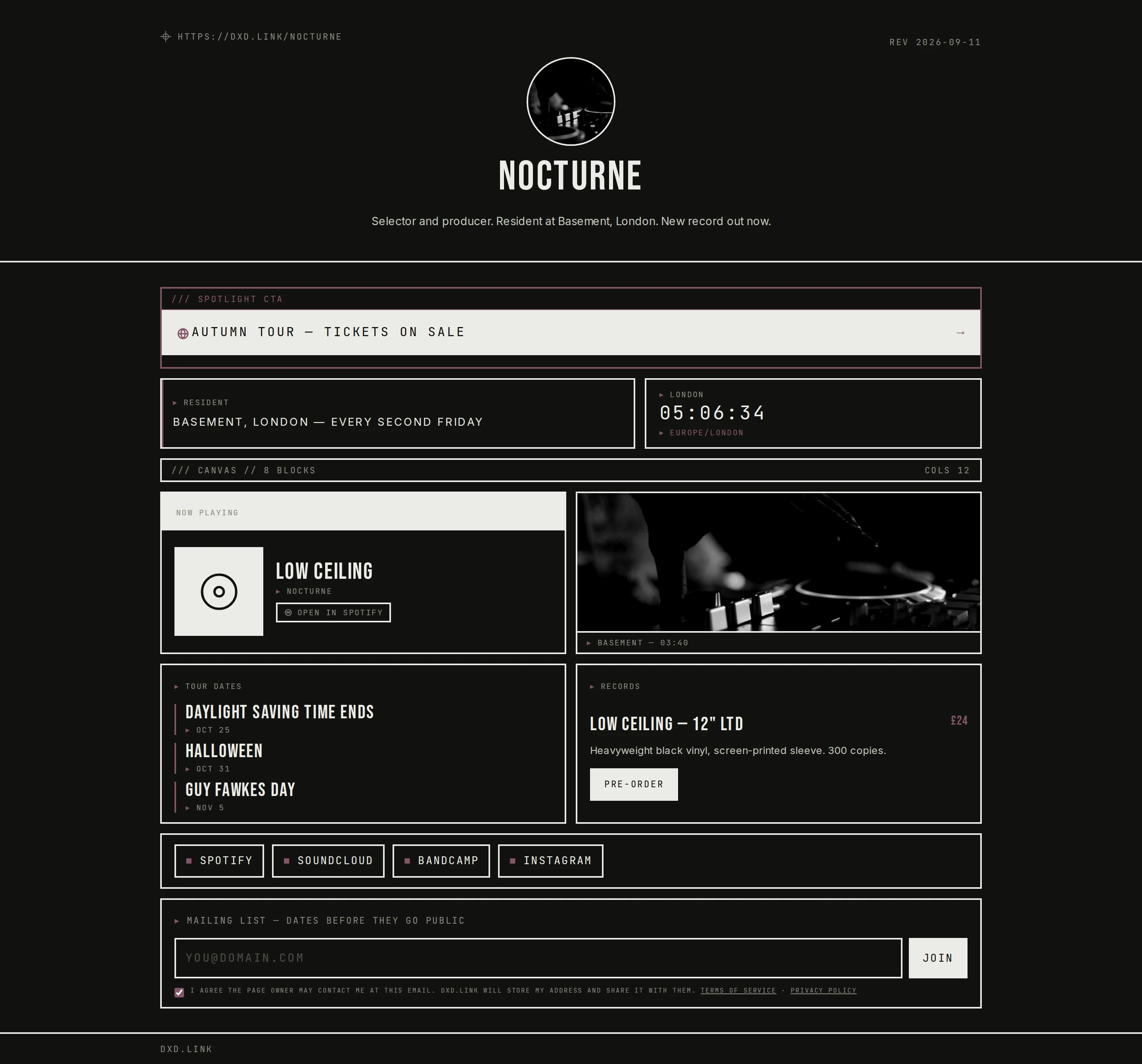
During the window the real CTA shows. Pair it with a Links or Personal tab so evergreen links stay on the main tab and the drop stays scoped. Tab setup is in the multi-page guide.
After the window closes
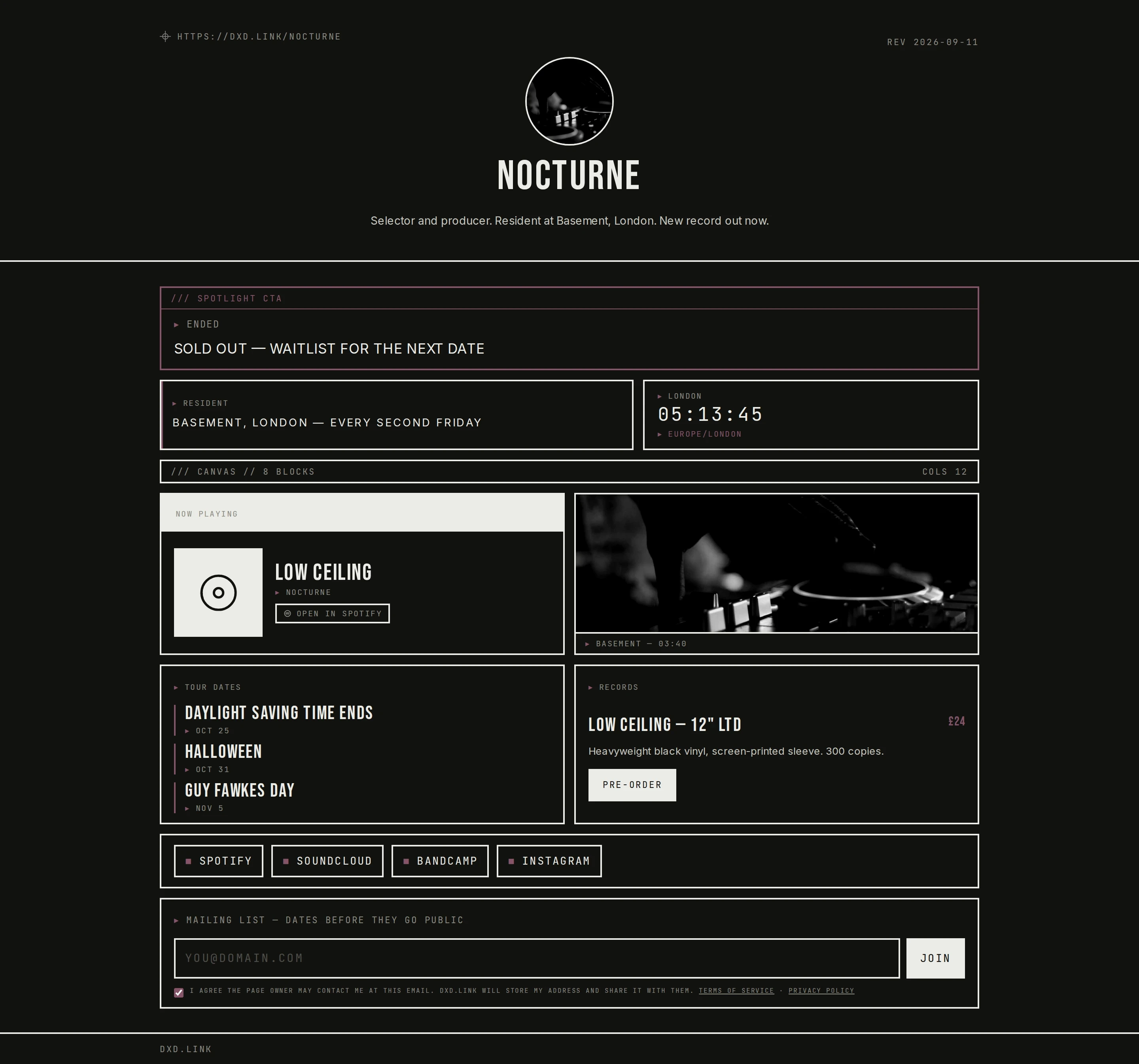
When the window ends, after copy replaces the CTA so the page does not point at a dead link. Keep evergreen links on your main tab; schedule the drop on a secondary tab. Related: multi-page guide, Linktree alternative, Beacons alternative, adult-creator guide.