
Add an 18+ age gate to your link-in-bio page
dxd.link has two optional tools for mature content. A per-page 18+ age gate asks visitors to confirm their age before the page appears, and a sensitive link setting asks for one click of confirmation before an outbound link opens. Both are free.
How it works
- 01Open Settings, then Page, and turn on 18+ age gate.
- 02Choose whether to apply it to all of your pages and whether new pages start gated.
- 03In the editor, select any LINK block and mark it Sensitive / 18+.
- 04Publish. Visitors confirm their age before the page renders, and confirm again before a sensitive link opens.
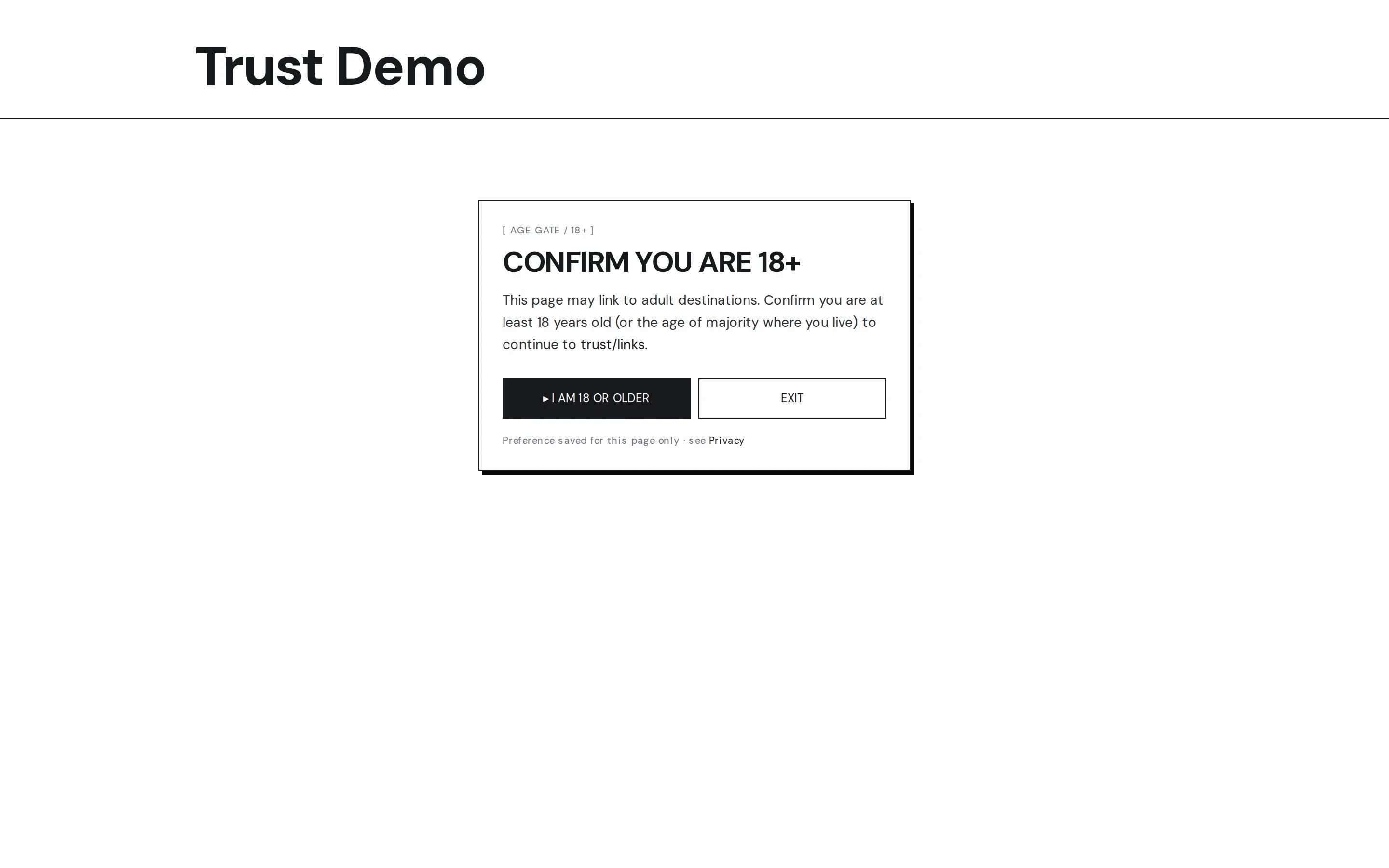
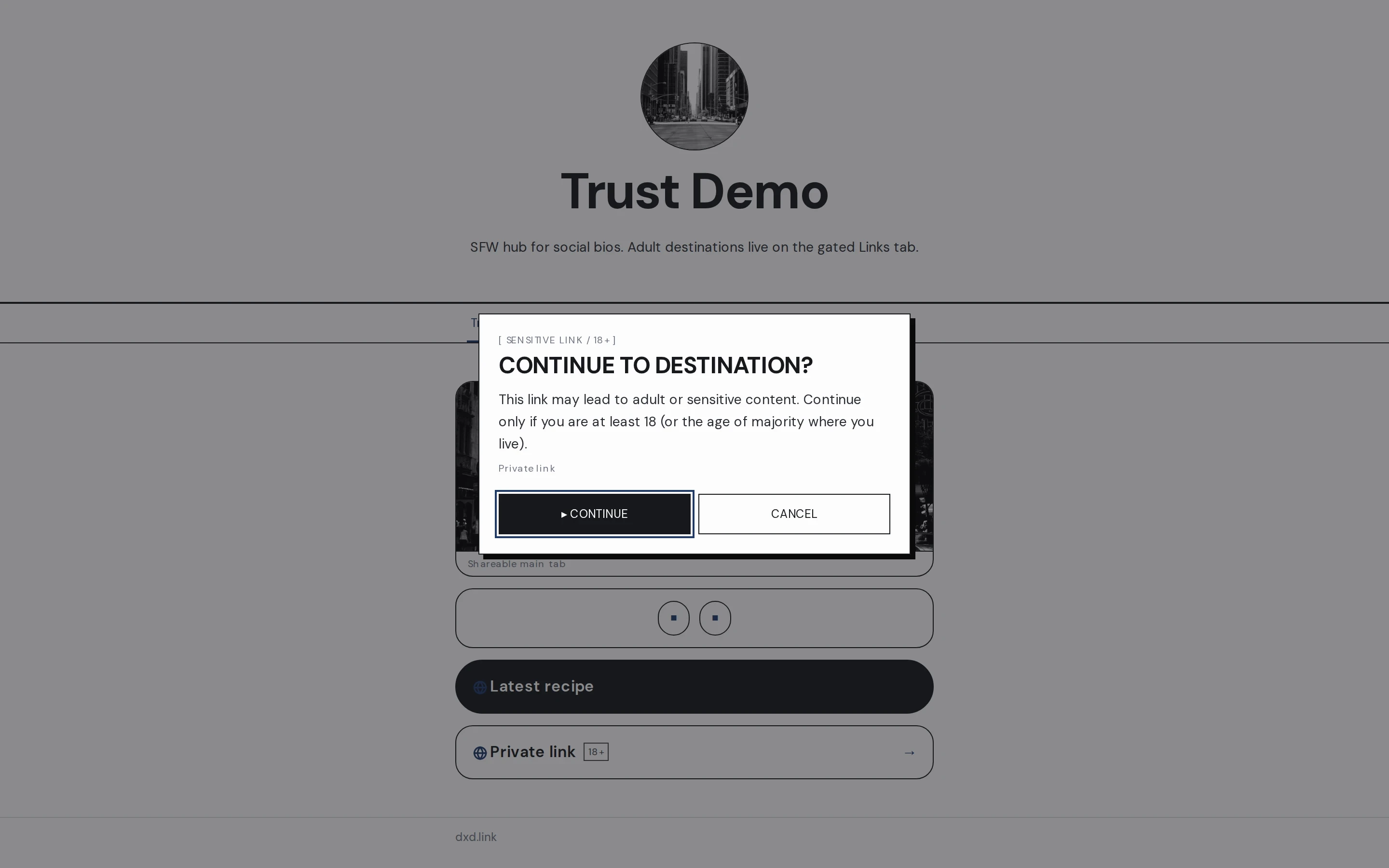
Page gate or link warning
Use the age gate when a whole page is for adults. Use sensitive links when the page is for everyone but one destination is not. You can combine both.
A main page plus a gated tab
On Creator, keep your main page ungated for social bios and put mature links on a second tab with the gate on. Visitors choose to go there.
Clear for visitors
The gate asks visitors to confirm they are 18 or older, or the age of majority where they live, with an exit button beside it. Their answer is remembered for that page only.
Which plan
The age gate and sensitive links are on every plan. On Creator, extra tabs let you keep a gated page beside an ungated main page.
Questions
Is the age gate free?
Yes. The 18+ age gate and sensitive links are on every plan, including Free.
Does the age gate verify ID?
No. It asks visitors to confirm they are 18 or older. It is a clear notice, not identity verification.
Can I gate one page and not the other?
Yes. The gate is set per page. On Creator, keep an ungated main page and a gated second tab, or apply the gate to every page from Settings.
What does a sensitive link do?
When a visitor taps a LINK block marked Sensitive / 18+, a confirmation appears before the destination opens. It works on gated and ungated pages.
What content does dxd.link allow?
You may link to lawful adult platforms. You may not upload sexually explicit media to the page or sell adult content through dxd.link. The full rules are in the Terms of Service and Community Guidelines.
- Adult-creator bio links that stay trustworthyOutbound adult platforms are allowed. On-page explicit media and Stripe adult commerce are not. Use age gates and sensitive links.
- Multi-page link-in-bio: one username, many sitesHow tabs give projects, personal links, and updates their own room under one handle.