
A personal site for developers
dxd.link gives developers a personal page with live data: your GitHub contribution graph, the latest releases from a repo, a status check, and recent posts from your blog. dxd.link fetches that data on its own servers, so no third-party scripts run on your page. All of it works on Free.
Blocks that matter
- GITHUBCommit Graph
Your 365-day contribution graph. Connect GitHub in Settings to include private contribution counts, which show counts only, never repo names or commit messages.
- RELEASESGithub Releases
The latest one to three releases from any public repository, so visitors see what you shipped and when.
- STATUSUptime Check
Point it at a public health-check URL to show whether your API or side project is up.
- FEEDRss Posts
The newest posts from your blog's RSS or Atom feed. Publish on your blog and the page updates.
- NOWLive Clock
Your local time and timezone, useful when you work with people across the world.
An example layout
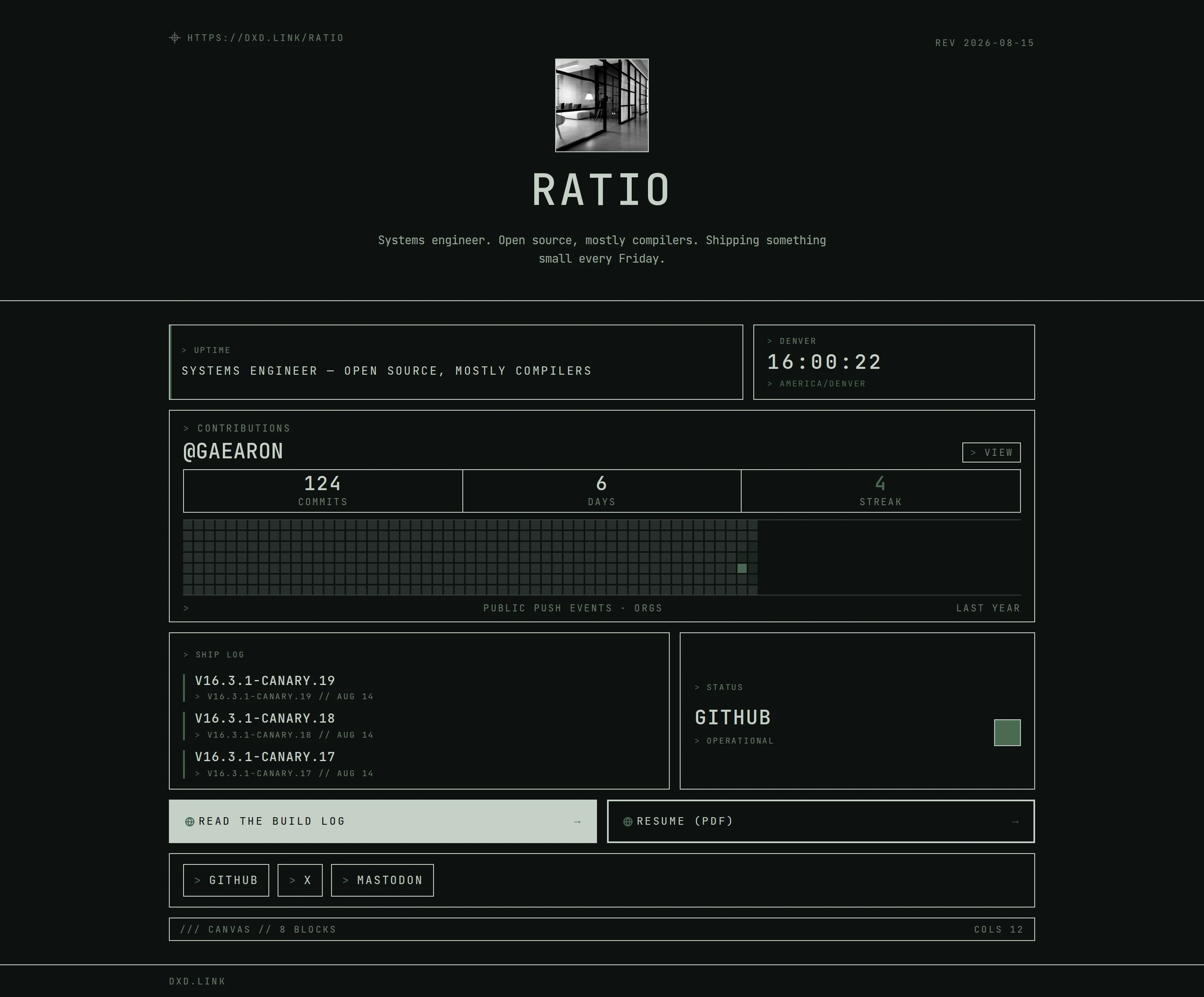
A TEXT block with what you work on, then the GITHUB graph full width. Below, put RELEASES for your main project beside a STATUS check, and a FEED block with your last three posts. A SOCIAL row for GitHub, Mastodon, and email closes it.
Free and Creator
Every live-data block: GitHub graph with optional private counts, releases, status checks, RSS feeds, weather, and clocks. JSON import and export.
A custom domain for your page, a branded you.dxd.link subdomain, extra tabs for Projects or Writing, full analytics, and no dxd.link badge.
Questions
Does the GitHub block show private repositories?
Only if you opt in, and only as counts. Connect GitHub in Settings and turn on private contributions in the block. Repo names and commit messages are never shown.
How fresh is the data?
Live blocks load fresh data each time someone opens your page. dxd.link fetches it from GitHub, your status URL, or your feed on its own servers and caches it briefly, so visitors never load third-party scripts.
Can I edit my page as code?
You can export the page as JSON, edit it, and import it back. The editor also has a Cmd-K palette and keyboard shortcuts. Custom HTML and scripts are not supported, which keeps every page safe to visit.
Can I use my own domain?
Yes, on Creator or Founding. Set a hostname such as www.yourname.dev, add a CNAME to cname.dxd.link, and verify in Settings. Your dxd.link/yourname address keeps working.
Is it free?
Every developer block on this page is free. Free publishes one page at dxd.link/yourname. Creator is for extra tabs, a custom domain, full analytics, and removing the badge.