
A bio page for freelancers
dxd.link gives freelancers one handle with room for client work and everything else. Show selected projects, how to book you, and your timezone on the main page. On Creator, split it into Work and Personal tabs so each audience gets the page meant for them.
Blocks that matter
- BOOKINGScheduling Cta
A discovery-call button that opens Cal.com, Calendly, or your own form, with what to expect in one line.
- TEXTParagraph
What you do, who you do it for, and your current availability.
- IMAGEPicture
Two to four project images that prove the work. Link each to its case study with a LINK block.
- NOWLive Clock
A live clock in your timezone so remote clients know your working hours at a glance.
- LINKHyperlink Button
Resume, rate card, and a direct email link. Every click is counted in analytics.
An example layout
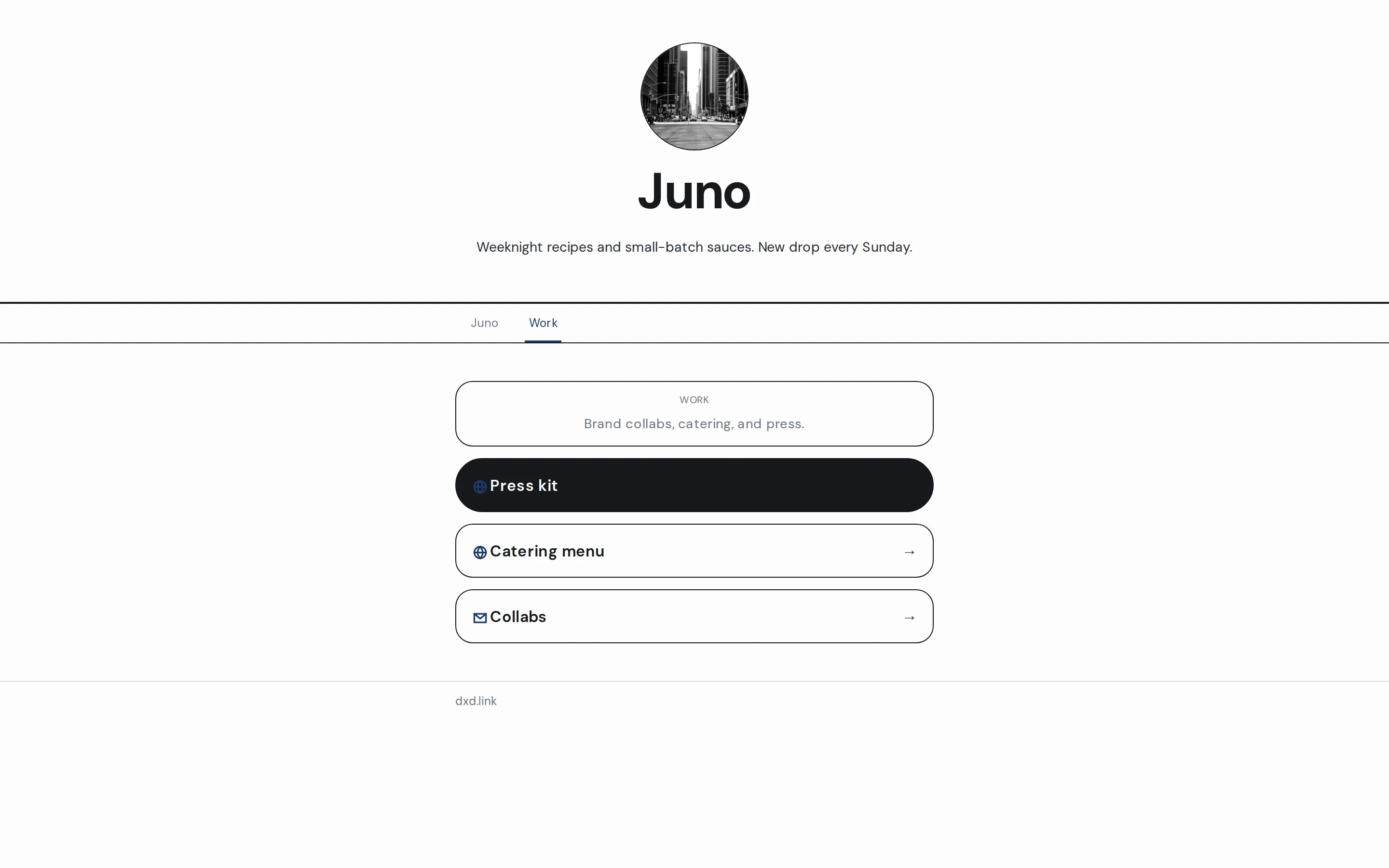
A TEXT block with your one-line offer and availability, then a BOOKING block beside a NOW clock. Below, a row of project IMAGE tiles with LINK blocks to each case study, and a final LINK for your resume.
Free and Creator
One page with every block and skin, booking links, and basic views and clicks. Enough for a clear front door.
Work, Personal, Portfolio, or Press tabs under one handle, a custom domain for your email signature, full analytics, and no dxd.link badge.
Questions
Can I keep client work separate from personal links?
Yes, on Creator. Add a Work tab at dxd.link/you/work from the Work template and keep personal links on the main page. Turn on public page tabs so visitors can move between them.
Which booking tools work?
Any tool with a link. The BOOKING block is an outbound button, so Cal.com, Calendly, SavvyCal, or a form all work. No scheduler scripts load on your page.
Can I show what time it is where I am?
Add a NOW block with your timezone. It shows a live clock in 12- or 24-hour format, and today's sunrise and sunset if you add a location.
Is the free plan enough to start?
Yes. Free publishes one page at dxd.link/yourname with every block and skin, and it does not expire. Upgrade when you want separate tabs, a custom domain, or fuller analytics.
- Multi-page link-in-bioAdd Work, Portfolio, Personal, Press, or Links tabs at dxd.link/you/work. Each tab has its own layout, skin, SEO, and draft. On Creator.
- Custom domainPoint www.yourname.com at your dxd.link page with one CNAME record. Includes a branded you.dxd.link subdomain. On Creator and Founding.
- A portfolio and bio page for freelancersOne handle for Work, Personal, or Projects tabs. Keep client proof and personal links separate, share one URL, and publish when the draft is ready.
- Multi-page link-in-bio: one username, many sitesHow tabs give projects, personal links, and updates their own room under one handle.