
A multi-page link-in-bio under one handle
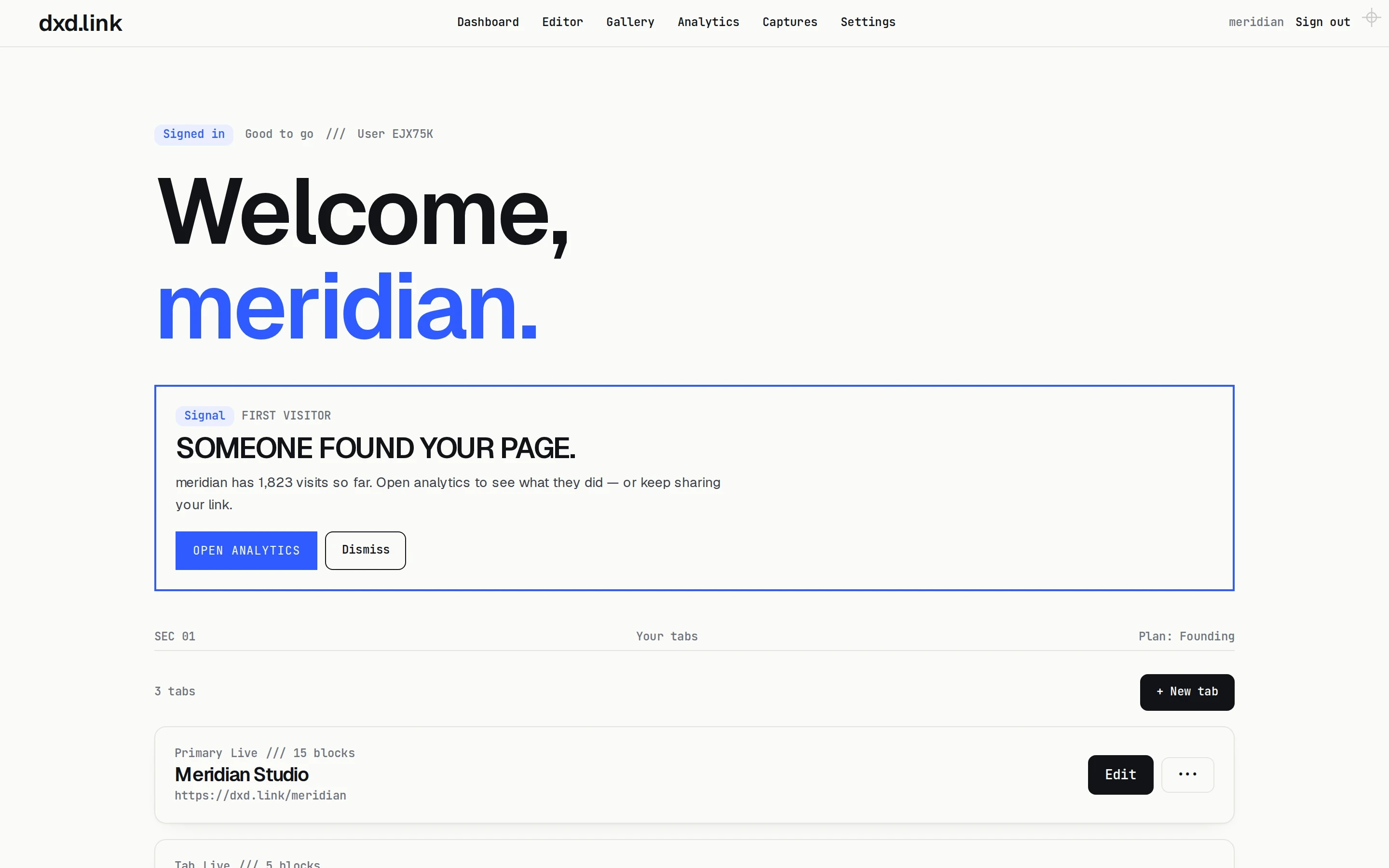
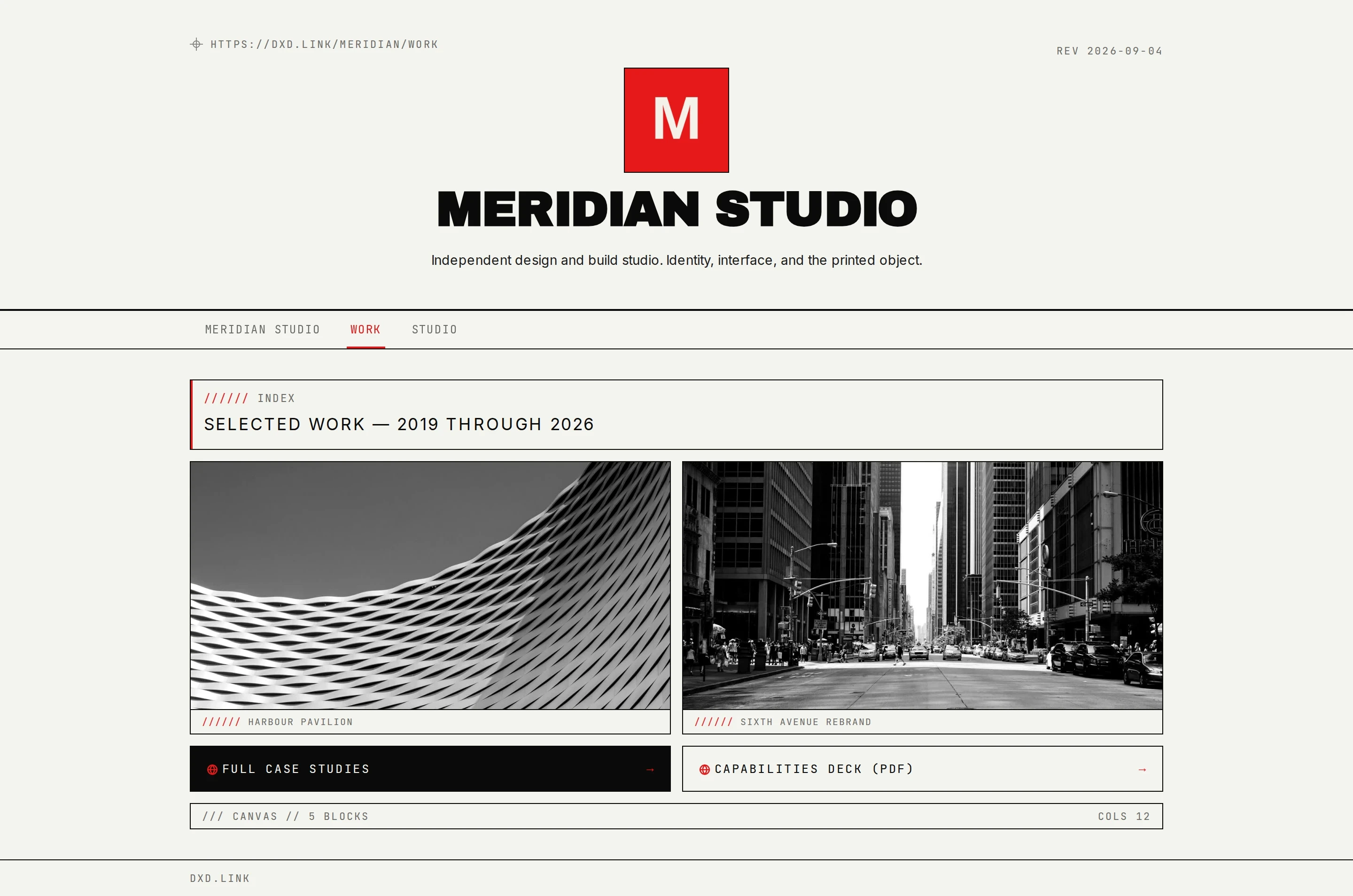
dxd.link lets one handle hold several pages, called tabs, at paths like dxd.link/you/work. Each tab has its own blocks, skin, SEO, and draft, and visitors can switch between them. Free includes one page; Creator unlocks more tabs.
How it works
- 01In the editor, select + Tab.
- 02Pick a template: Work, Portfolio, Personal, Press, Links, or Blank.
- 03Arrange the tab's blocks and choose its skin. Set its title and description in Settings under SEO and tracking.
- 04Turn on public page tabs in Settings so visitors can move between pages.
- 05Publish each tab when it is ready and share the one that fits the moment.
Share the right page
Send a client dxd.link/you/work, put dxd.link/you in your Instagram bio, and give press dxd.link/you/press. Everyone lands on the page meant for them, under one handle.
Every tab stands on its own
Each tab keeps its own draft and live version, layout, skin, and share card. Publishing one tab never changes another.
Domains cover every tab
Subdomains and custom domains are set on your main page and apply to all of your tabs.
Which plan
Free includes one primary page. Creator ($4.99 a month) and Founding unlock extra tabs under the same handle.
Questions
How many tabs can I have?
Free includes one page. Creator and Founding include unlimited tabs under your handle.
What URL does a tab get?
Tabs live under your handle, such as dxd.link/you/work. With a custom domain on Creator, the same tabs appear under your domain too.
Can each tab look different?
Yes. Each tab has its own skin, layout, and blocks. Many people keep one skin across tabs so the pages feel related.
Does each tab get its own SEO?
Yes. Set a title, description, and share card per tab in Settings under SEO and tracking.
Can I try tabs before I pay?
Build your main page on Free first. When you need a second page, upgrade to Creator in Settings and select + Tab in the editor. You can change plans at any time.
- FreelancersSelected work, a booking link, and your rates on one page, with a separate Work tab on Creator. Free to publish.
- PhotographersAn image-led page for selected work, bookings, and where you shoot. Free to publish, with your latest Instagram post on Creator.
- DesignersA grid-based page for case studies, a reel, and how to hire you. Free to publish; Brand Kit and custom accent on Creator.
- StreamersYour stream schedule from a calendar feed, clips, every channel, and merch on one page. Free to publish at dxd.link/yourname.
- Multi-page link-in-bio: one username, many sitesHow tabs give projects, personal links, and updates their own room under one handle.
- A portfolio and bio page for freelancersOne handle for Work, Personal, or Projects tabs. Keep client proof and personal links separate, share one URL, and publish when the draft is ready.